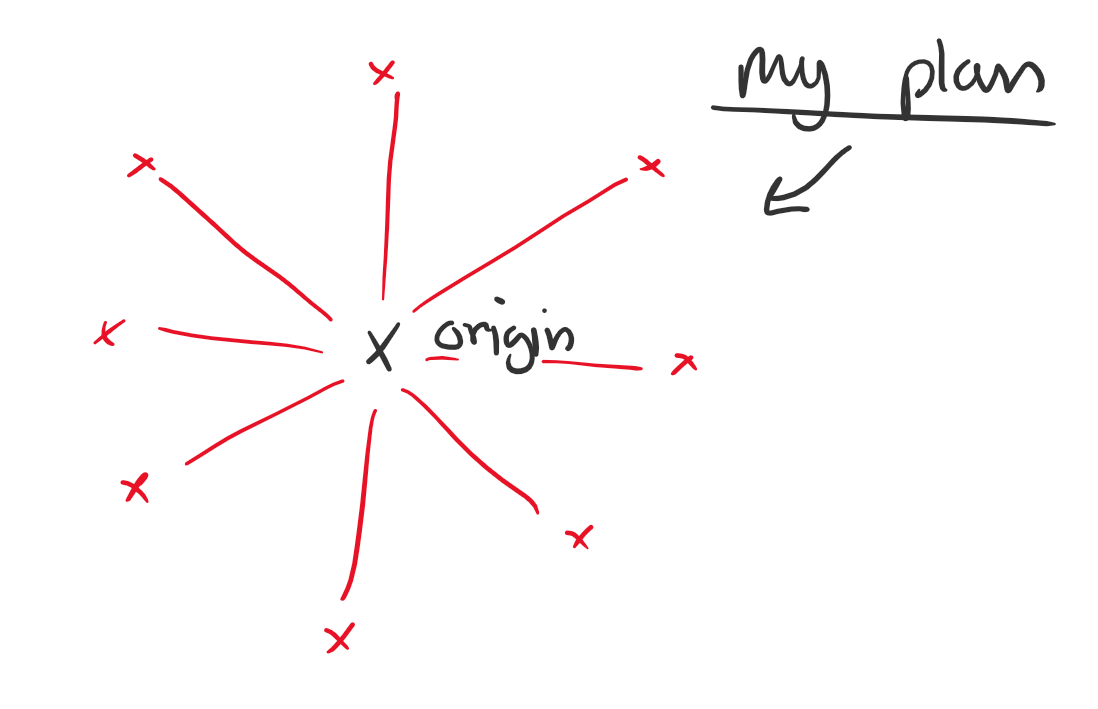
Sketches of me figuring out how to use maths to create some circular geometry.
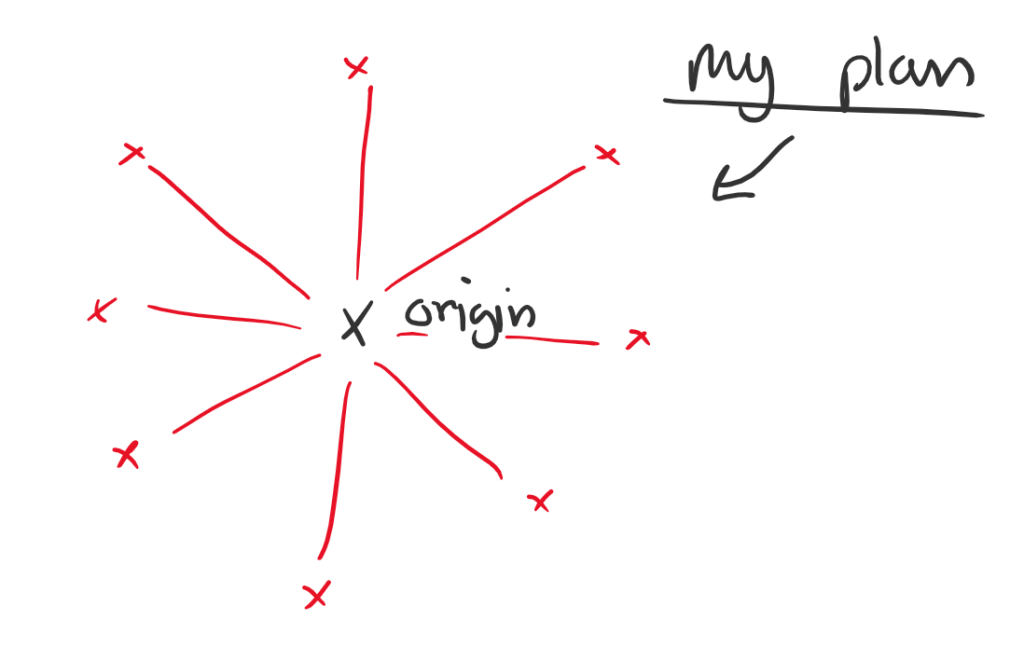
As you can see this is how we create a circle…
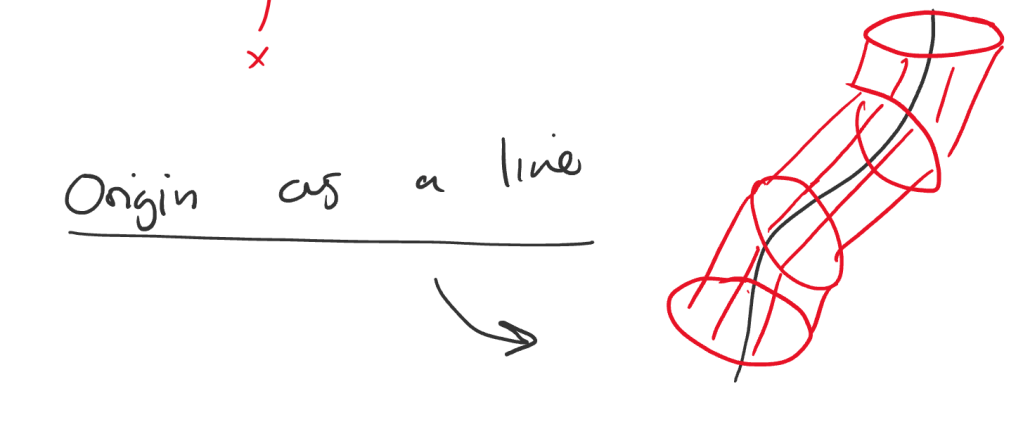
Do that around a line and in theory you have a cylindrical structure.
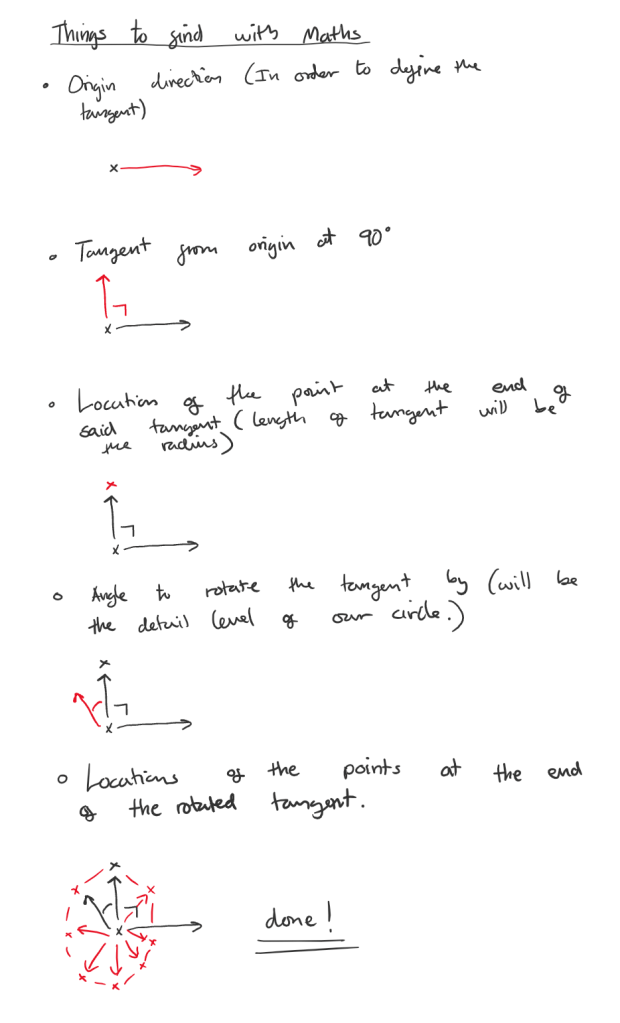
In Unity I knocked up a quick prototype to calculate some of the values shown above using code shown below.
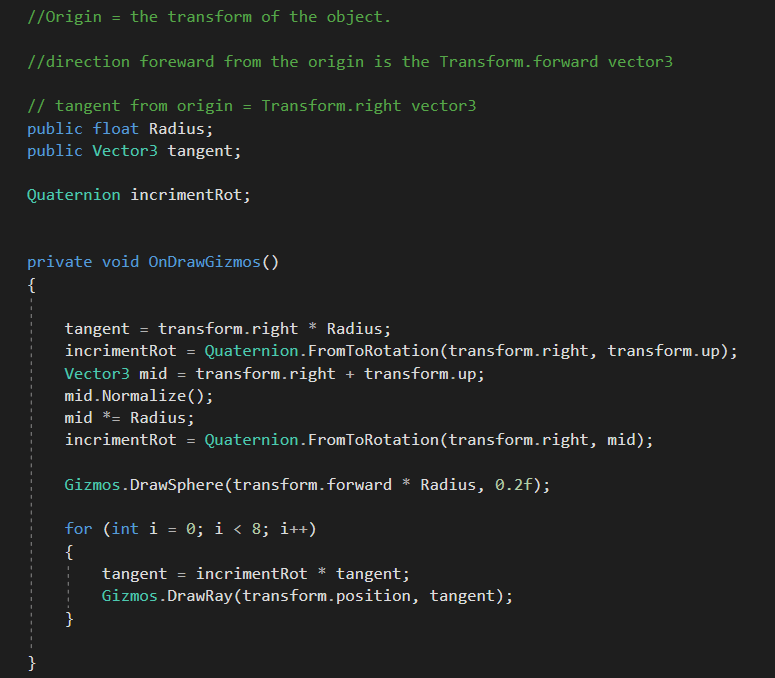
the result is the below graphic, which rotates with the vectors remaining correct.
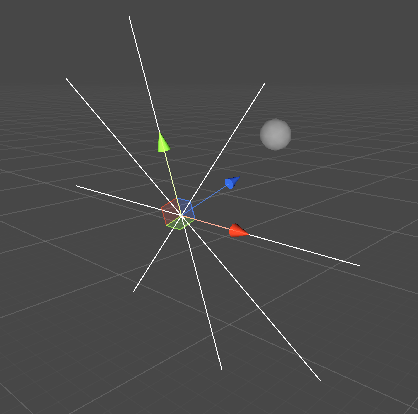
Next up is to add the forwards vector to the vertices to make new vertices that will be used to construct our band.
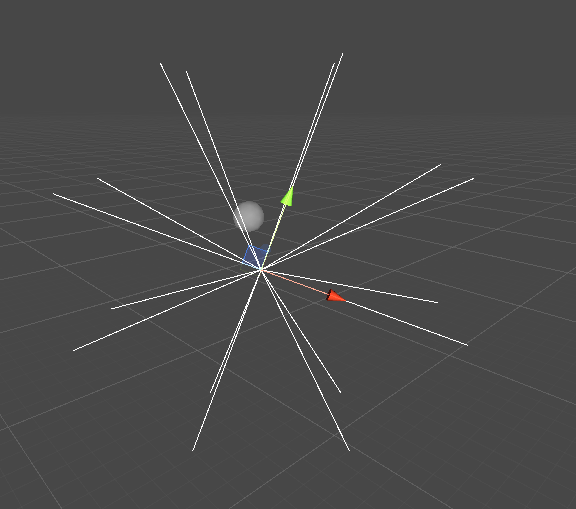
I then went about adding all the vertices to an array, and then drew circles on each vertex. resulting in the next screenshot.
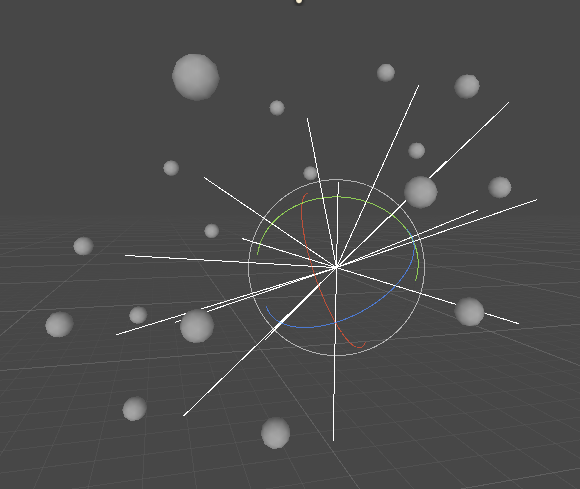
To be honest I am not sure why they balls are no on the ends of the lines. But the mesh should still work, so I didn’t worry about it. I went about working on creating some triangles.
After a bit of a hacky solution of manually setting the final vertices (if i > 7 see code) we had done it. Behold a hexagon!
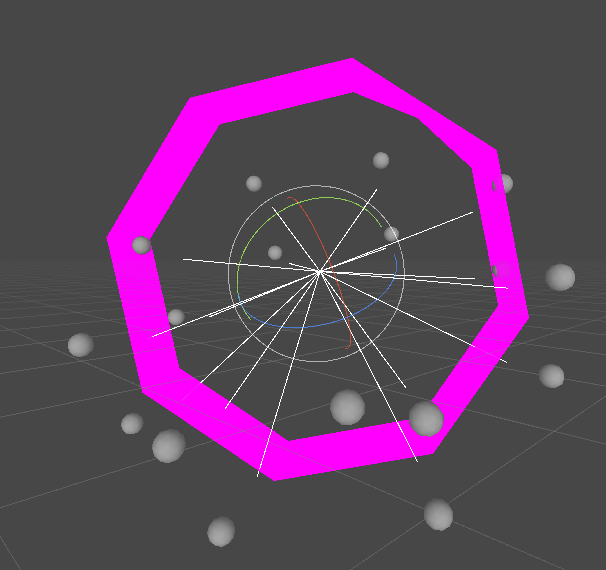
So we have a few problems I will list.
>Normals are the wrong way round (resulting in the hexagon only being visible from the inside)
>Vertices do not line up with our sphere, where they are supposedly meant to be (possible a global vs local space issue)
>No UV’s and broken normal’s means no lighting or even a working texture.
>There is an error on the final vertex meaning the ring is not smooth and has a chunk missing (see top right)
The good thing is I actually managed to create a working bit of geometry without following a tutorial! So although it may not seem like much for 4 or 5 hours work, this thing is really exciting from my end as it means I have the basics down, now just to fix all these problems!
 ArtInTheOcean