Week three and we have been tasked with creating a test asset for project cohesion and to check our workflows.
To start this coral asset I created a generic coral mesh inspired by the photos from my coral research.
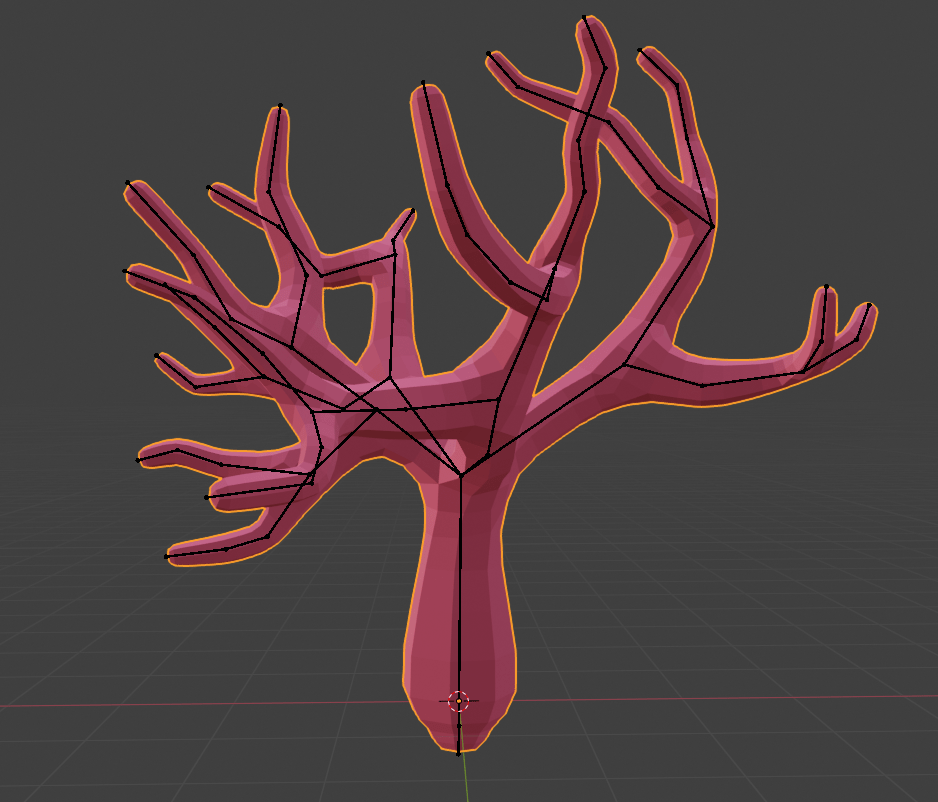
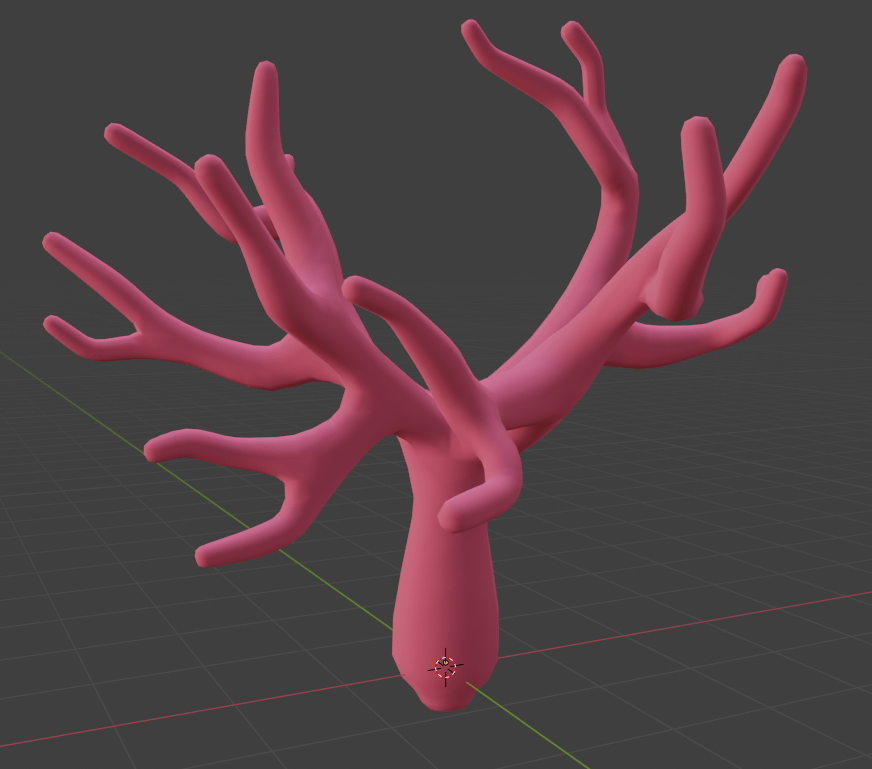
To create the mesh I used the skin modifier around a line of vertices, the skin modifier also allows you to automatically create an armature alongside the skin to allow for animations rigs etc. So that is what I did in order to create an easily editable mesh for possible later variations.
Next up was a coral texture, I wanted to create something much simpler for these textures after receiving feedback from the art lead on my original textures. Most of the textures for our game will be subtle variations of a colour map.
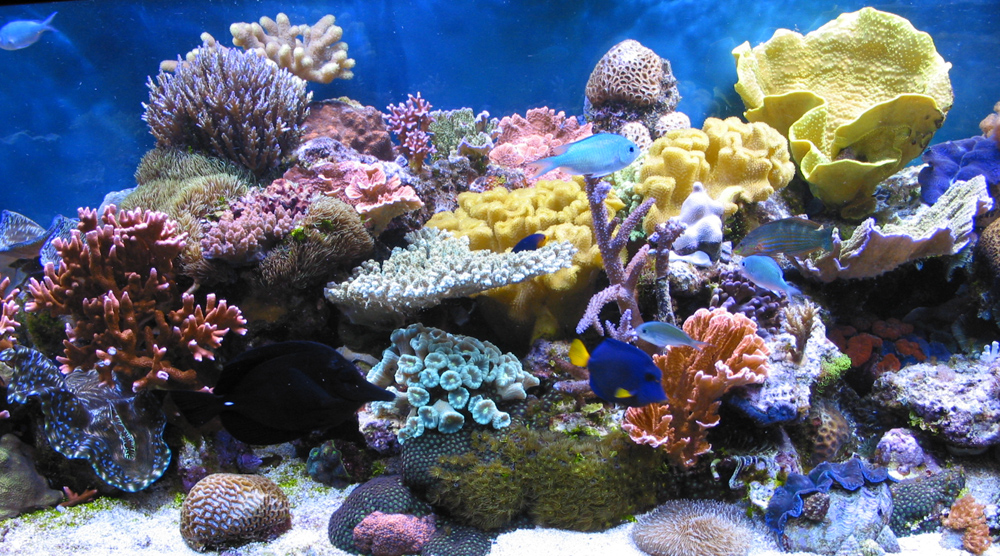
As you can see form this image a lot of the texture on a coral is actually natural wear/tear on little bumps on the surface. To replicate this I wanted to create a white texture that can have a colour applied on top to allow for different types of coral with the same texture.
Simple Coral Texture
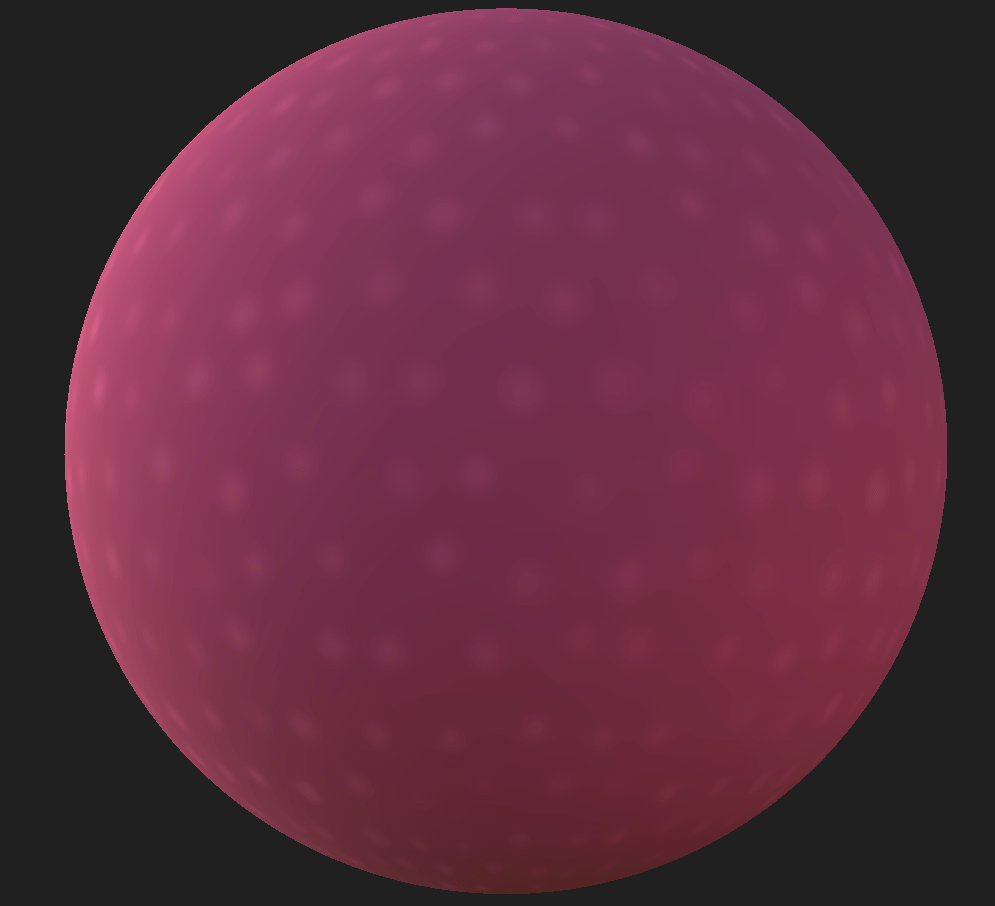
This texture is really simple and is actually going to be white, the pink demonstrates how different colours can be applied. the texture is simple a parabola tile sampler with a bit of randomness, and then levels applied to make everything a lot whiter.
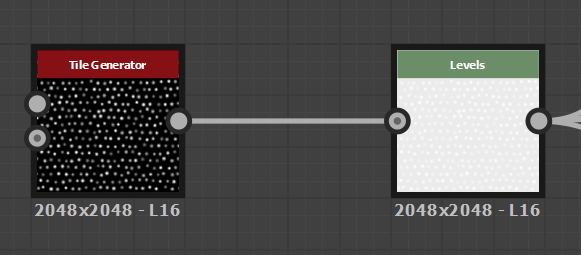
There is also another levels creating the roughness map. giving the little highlights a bit of reflection.
Once in substance painter I quickly imported the material as an Sbar onto the model, and then used a triplanar projection wrapping to avoid obvious seams.
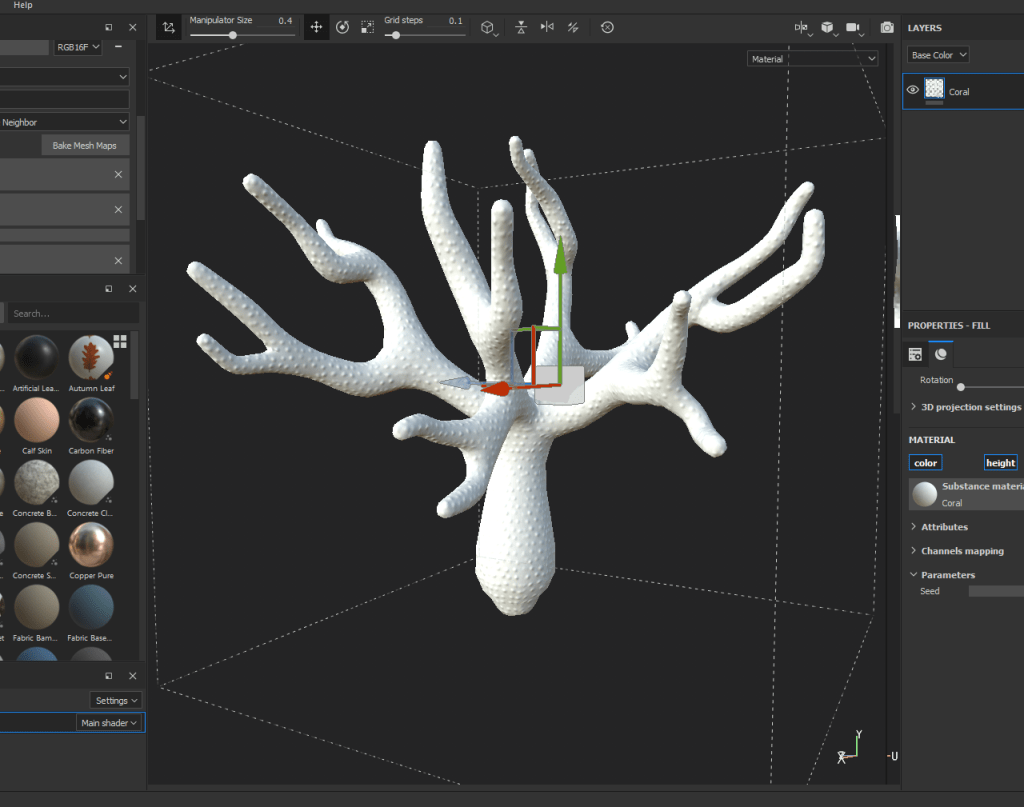
Next we add a fill layer, to tone down the height. In future it might be interesting to add colour to the tips of the coral or something.
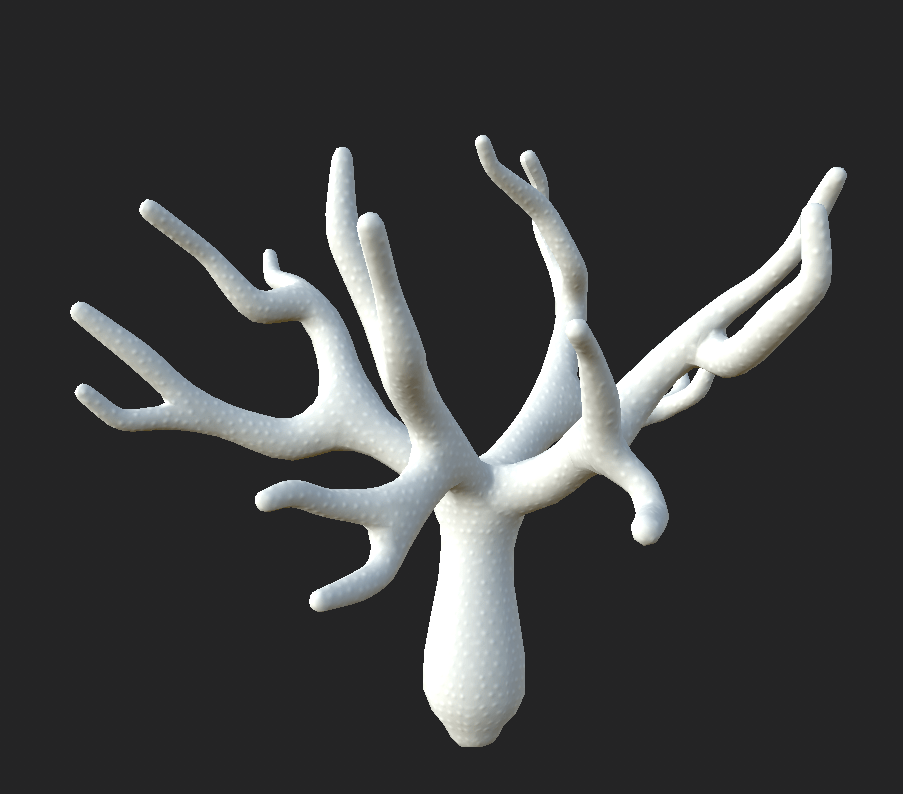
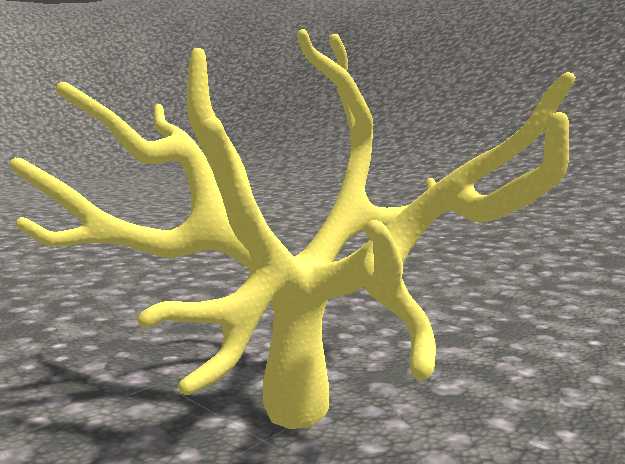
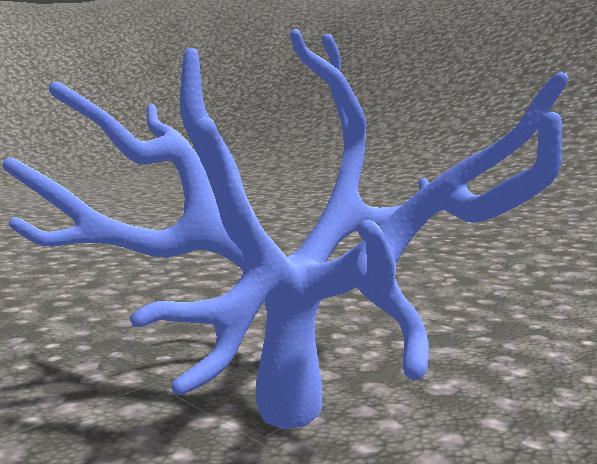
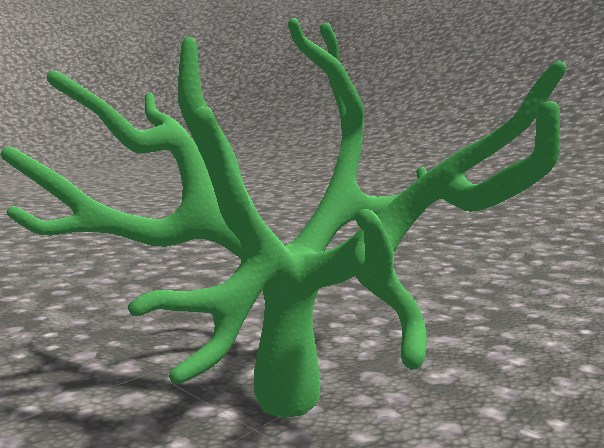
And here we are with the asset setup inside of Unity.
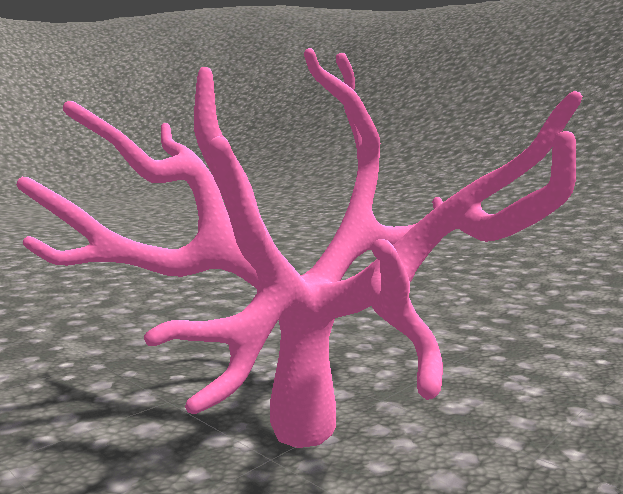
With our colour settings its easy to change to colour of the coral using the unity inspector.
 ArtInTheOcean