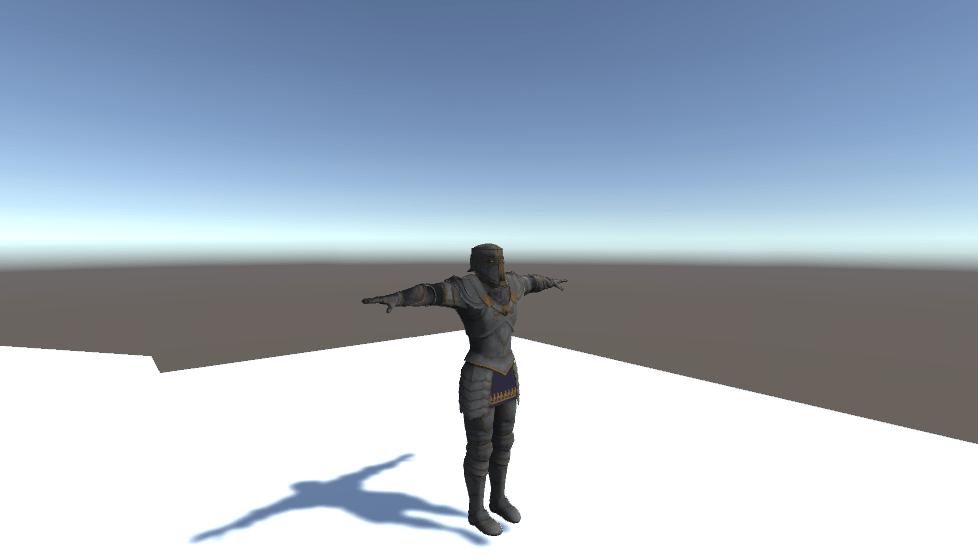
This is the document where I explain how the camera and movement/rotation code works.
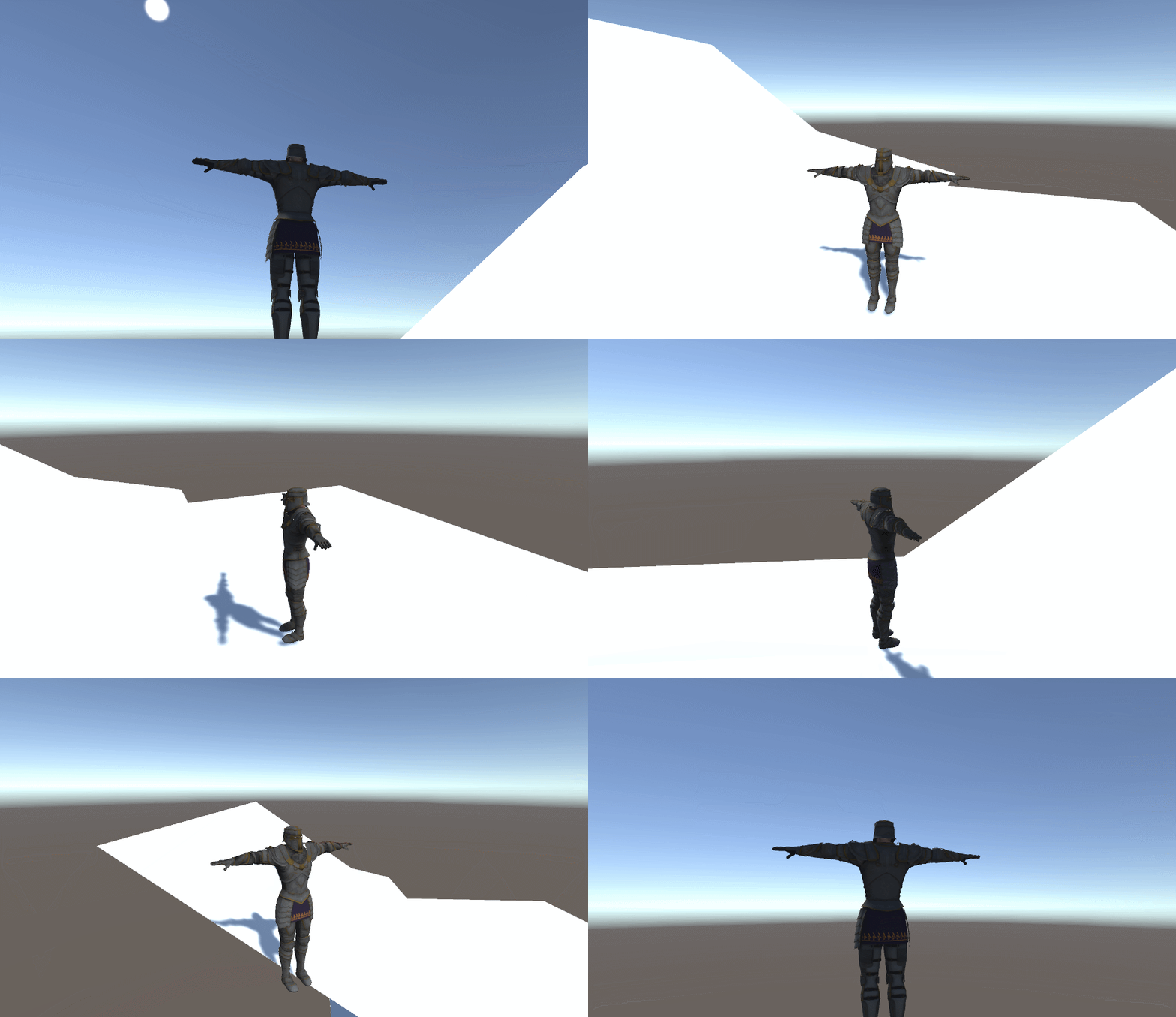
Camera Code.
The bulk of the work is done in two functions. HandleMouseInput(), and HandlePosition().
Essentially we want to create a Dark souls style third person controller. So we want the camera to orbit the player relative to the mouse input. First thing to do is to get the players mouse input.
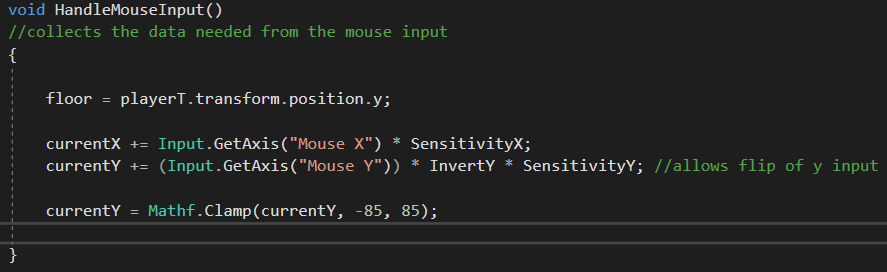
We times the inputs by a sensitivity to allow the player to customize their control speeds. As we don’t want our camera to reach a 90 degree angle from the player (as this can cause control issues with repetitive flipping/ rotations ). We clamp the Y input.
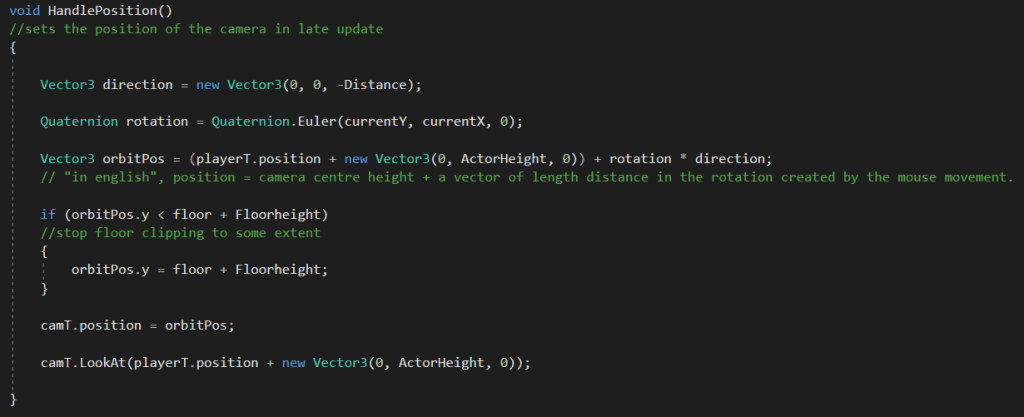
The handle position function controls the actual location of the camera. We calculate the cameras locations by creating a vector the length of the distance we want from the player and the camera. We then create a rotation determined by the current x and y of the camera. Our final position for the camera is the center point of the player model plus the vector created by multiplying the vector of length that we created by the rotation towards our mouse position. If the y value of this vector is below a value we set for the floor, then we simply set the y to that value, this stops the camera clipping the floor. We then set the position of the camera to this position, and tell the camera to look at the player.
We use late update for this function as the player may move during update.
Movement.
Our movement script is divided into two main functions as well, these however are both in update.
First up we have Move(). A simple script that takes the input and transforms it into a vector for the character controller to move.
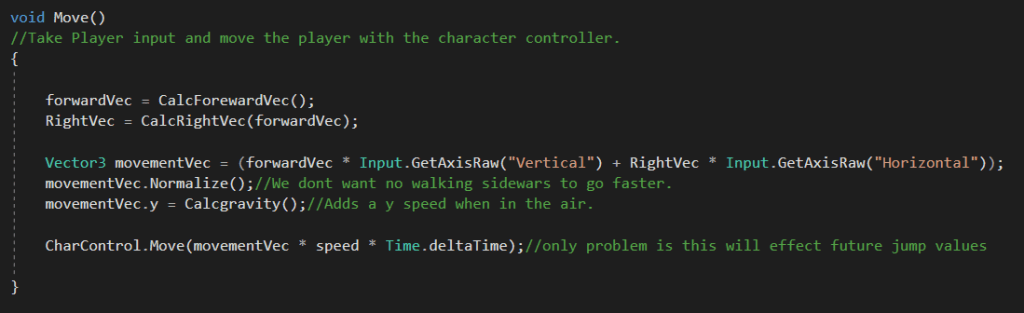
The trick to this script are the two functions CalcforewardVec(), and CalcRightVec().
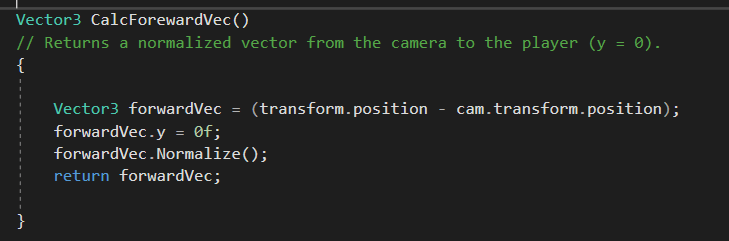
Our forward vector is calculated by finding a normalized vector between the player and the camera. this allows the player to steer control with the camera.
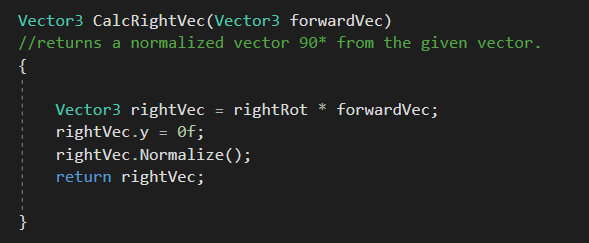
The right vector calculation is done by multiplying a rotation by our forward vector to turn it 90 degrees. The vector is defined in the start function, so its declaration is not repeated every frame.
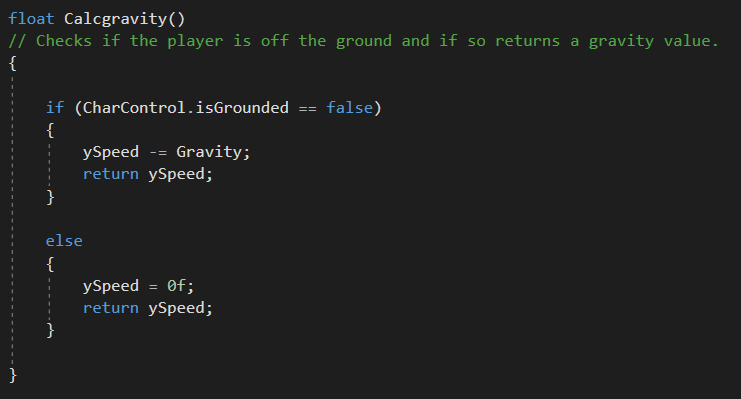
CalcGravity() unsurprisingly returns a float which is tracking the amount of speed to be applied in the y axis (or the gravity). This is added to our final movement vector and then the character is moved.
Rotation.
The rotation of the player is done sort of procedural way , by using the vector between the position we were at last frame and comparing it to this frame, to find which way we should be facing. We lerp this rotation to make the movement smooth.
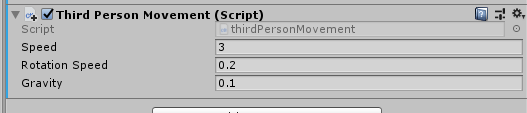
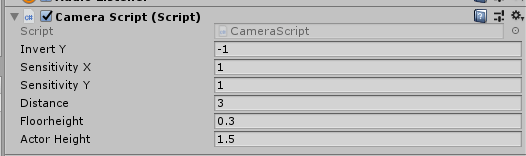
Both scripts provide good customization options for later game-play tweaks through the use of public variables.
 ArtInTheOcean