This post will document some of my initial work with Unity collab, and how we collated assets/tested the collab system.
Initially Megan setup the collab, Once we were all added and had tested initial commits worked as expected. I set about making a style guide for the project as we didn’t have one yet. This document is obviously evolving as the project progresses, but it’s current state can be seen it my Style Guide Post.
Afterwards I set about adding all my assets I have been working on to the project, and pushing them in commits. Setting up the post processing and lighting to achieve an underwater look.
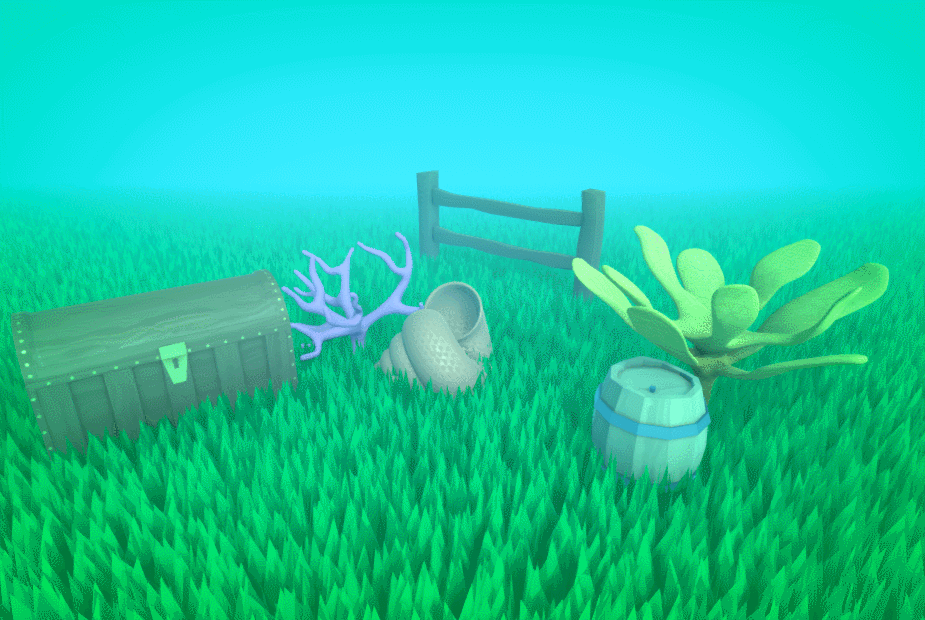
Later on when working together with other members we experimented with how commits effect one another, and the local changes to ensure future changes were handled smoothly.
We realized that Not only would local changes from your asset folder remain intact when you updated the project to a newer push, But local changes such as an additional object in a scene remained even when that scene was updated in the most recent version.
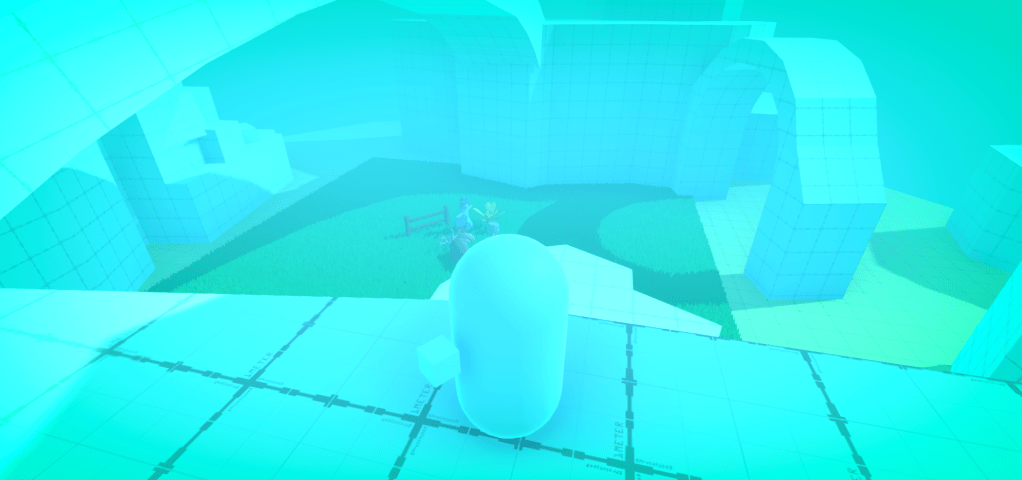
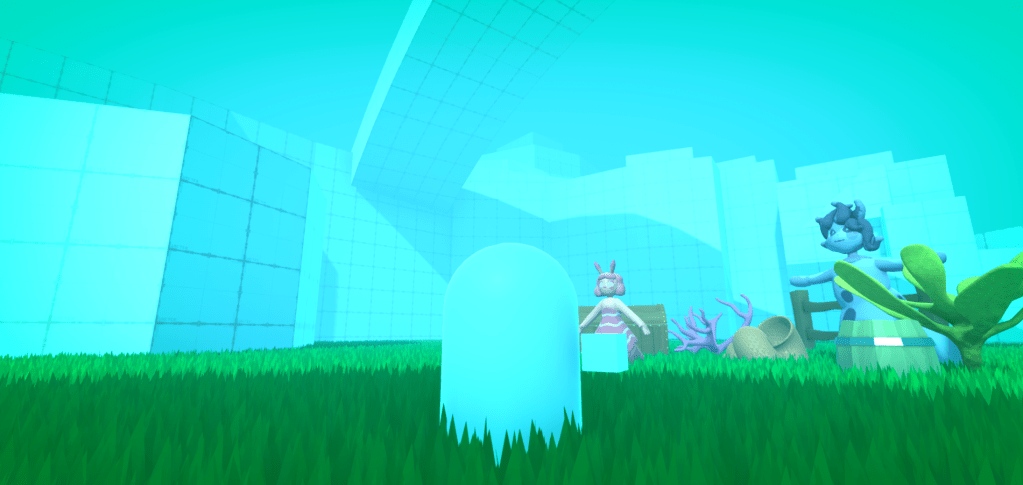
Megan implemented the grey box, and I added this to the demo scene and toned down some of the post processing, so the players sight was longer. I also turned up the shadow distance, and changed the step limit of the player controller, to allow the player to interact with the grey box correctly.
 ArtInTheOcean