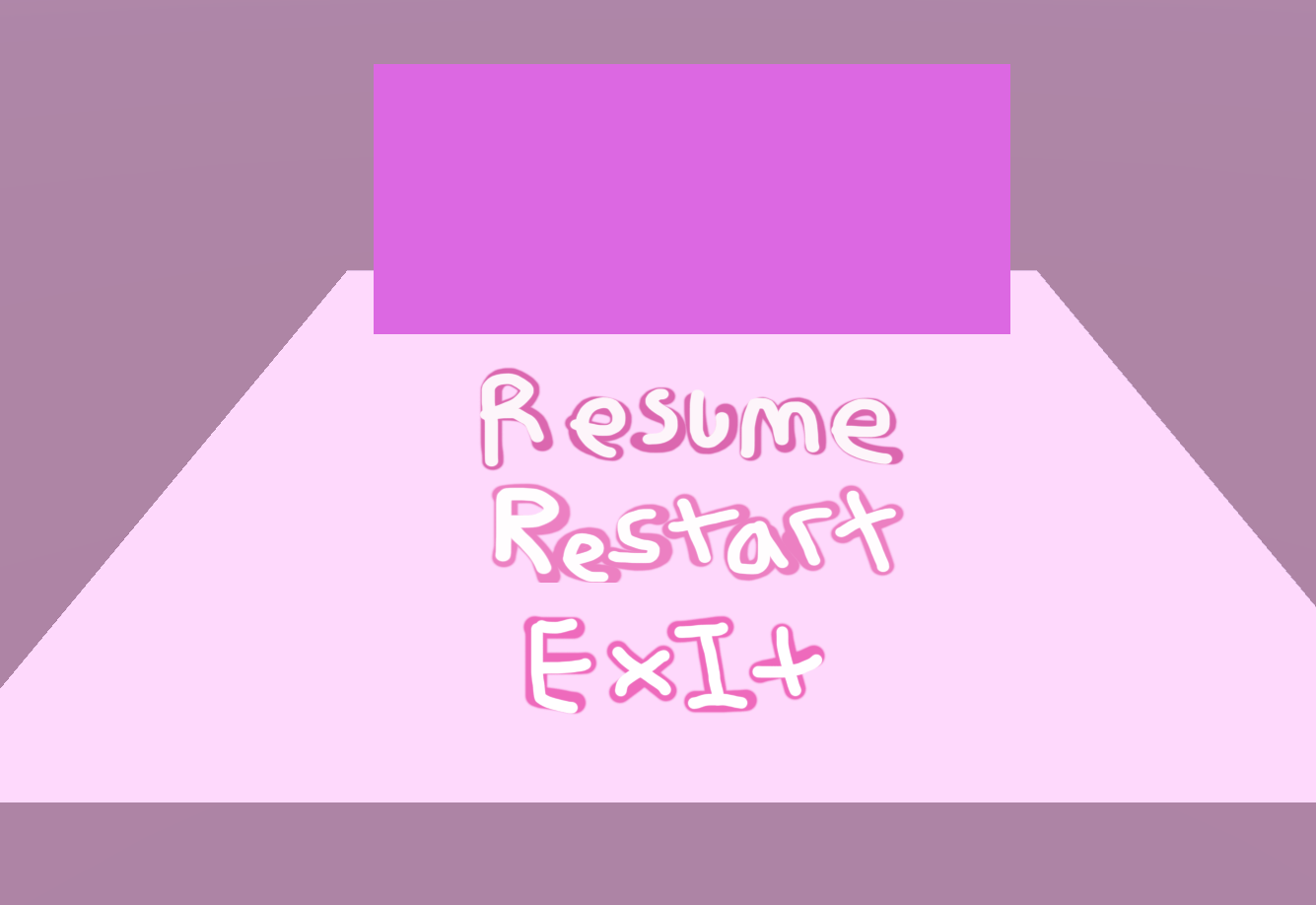
I was drafted to do the UI to cover some people who had fallen behind. After looking at a the button setup for a little while in Unity I figured we can have a universal button script, and then have the buttons themselves call the public functions to allow interactivity (All contained in one script)

The script is as shown below. Its pretty short so I will just post the whole thing.
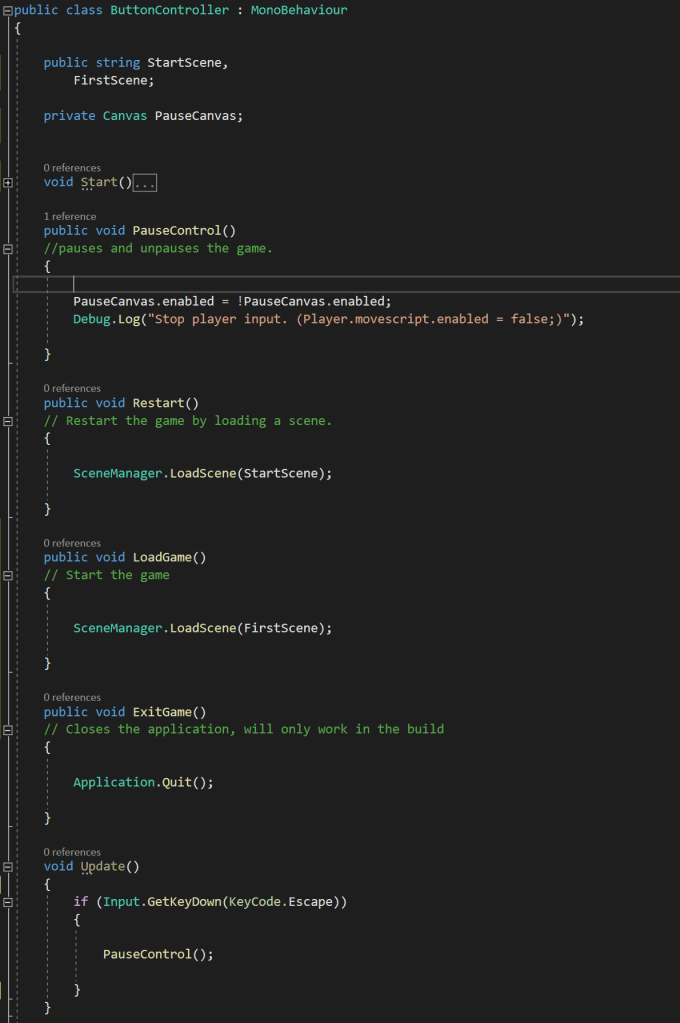
As mentioned before the public functions are the main aspect of this script. We have functions to load scenes (the scene determined by public strings in case of name changes) and we have another function that enables and disables the canvas, this function is also called in Update() when the player presses escape, which allows the player to operate the pause menu using this key as well. The key can be easily rebound in the script for UI updates later.
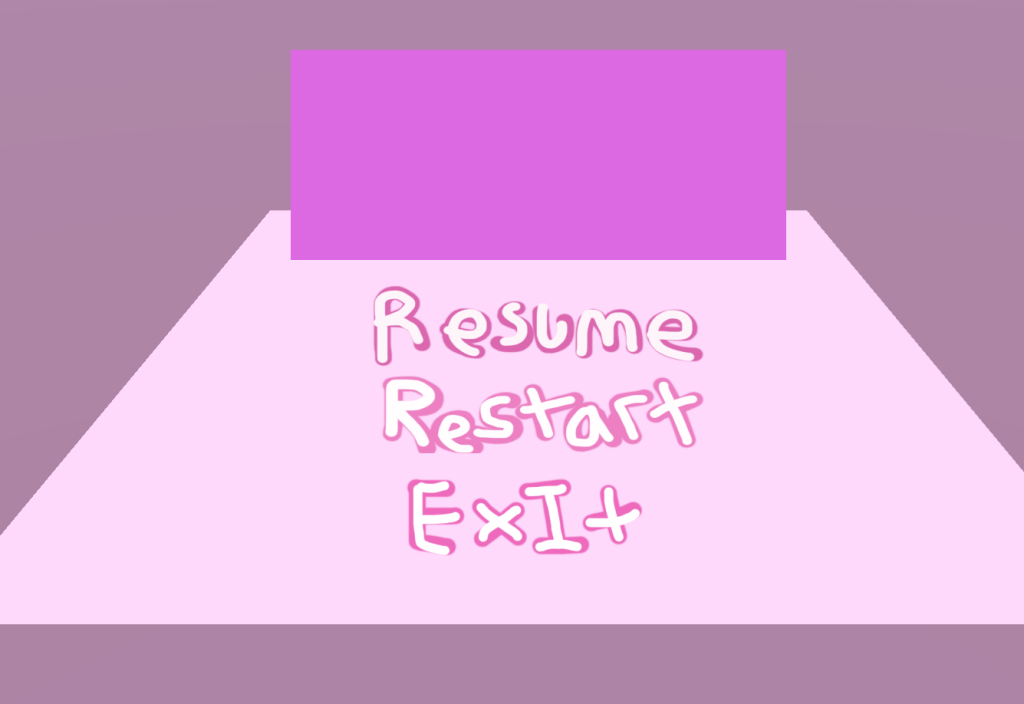
The pink overlay (as mentioned in Shannon’s GDD) is created by a square stretched across the entire screen, with a low opacity.
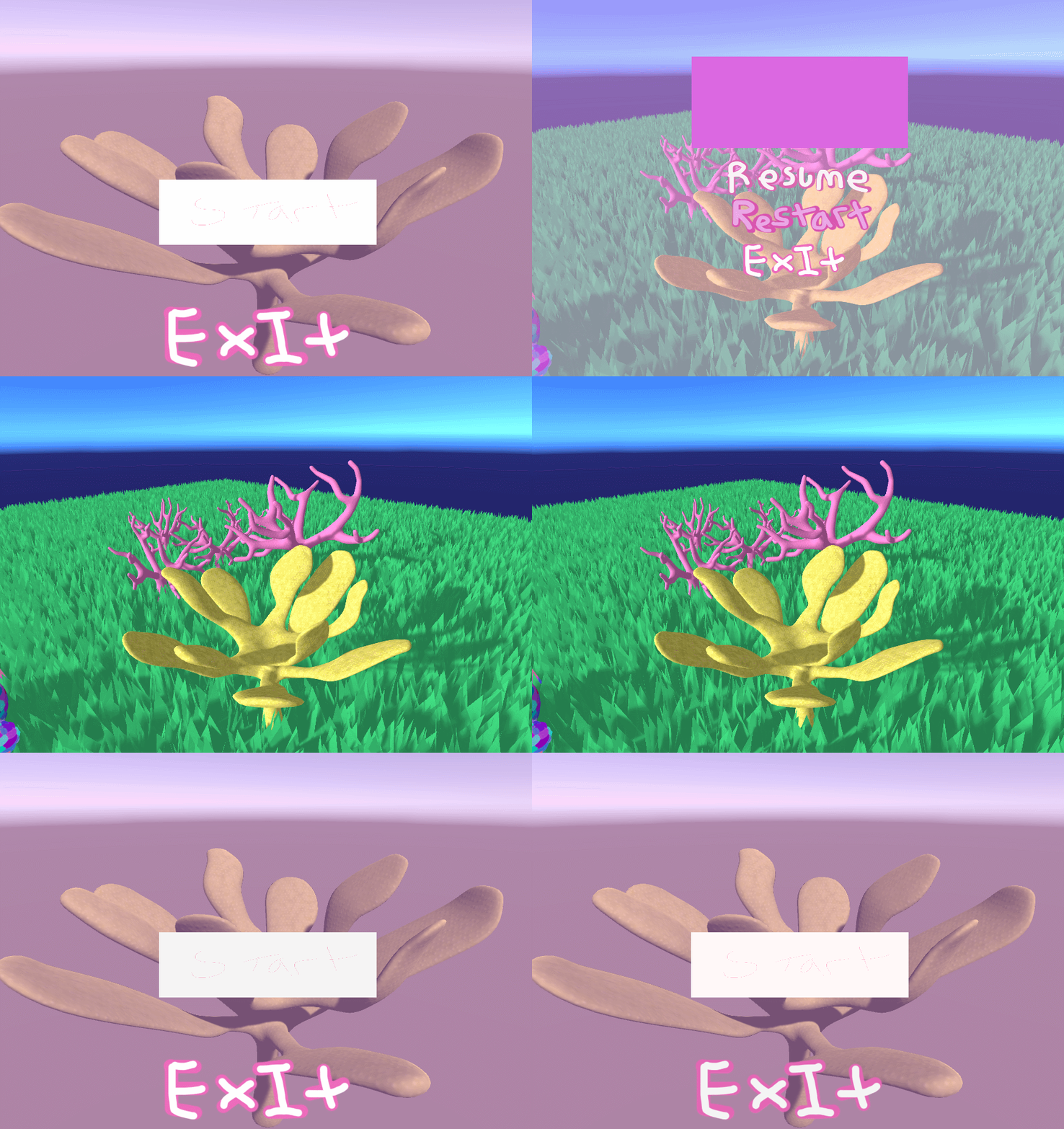
The exit buttons will only work once the application is built.
 ArtInTheOcean